Topics:
Accessibility
Color
Roles:
Sole developer, designer, researcher
Duration:
Jul 2019 - Sep 2021
Tools:
Java
Figma
Reviews from Google Play Store
15
3
Sep 10, 2020, 10:46
Device language: English
Spectra app is very useful and friendly to the user
4
1
April 3, 2021, 10:35
Device language: English
It’s one in the world. Helpful and unique. If in color-blind person mode we can use t/d/p parameters just like not color blind person mode that would be great. Also please add android 5 support if it’s possible.
According to the National Eye Institute....
1 in 200
women have some form of color blindness

Color Blind Pal
Provides scientific and common names of a color
Gives predetermined filters to enhance color images

Color Blind Helper
Displays name, RGB, and hex values of each pixel in image
Usability testing revealed the apps...
Assume all people of a color blindness type have the same needs
Are difficult to navigate
Contain features, like names and color codes, that aren’t useful in users’ daily lives
Current tests for color blindness include...
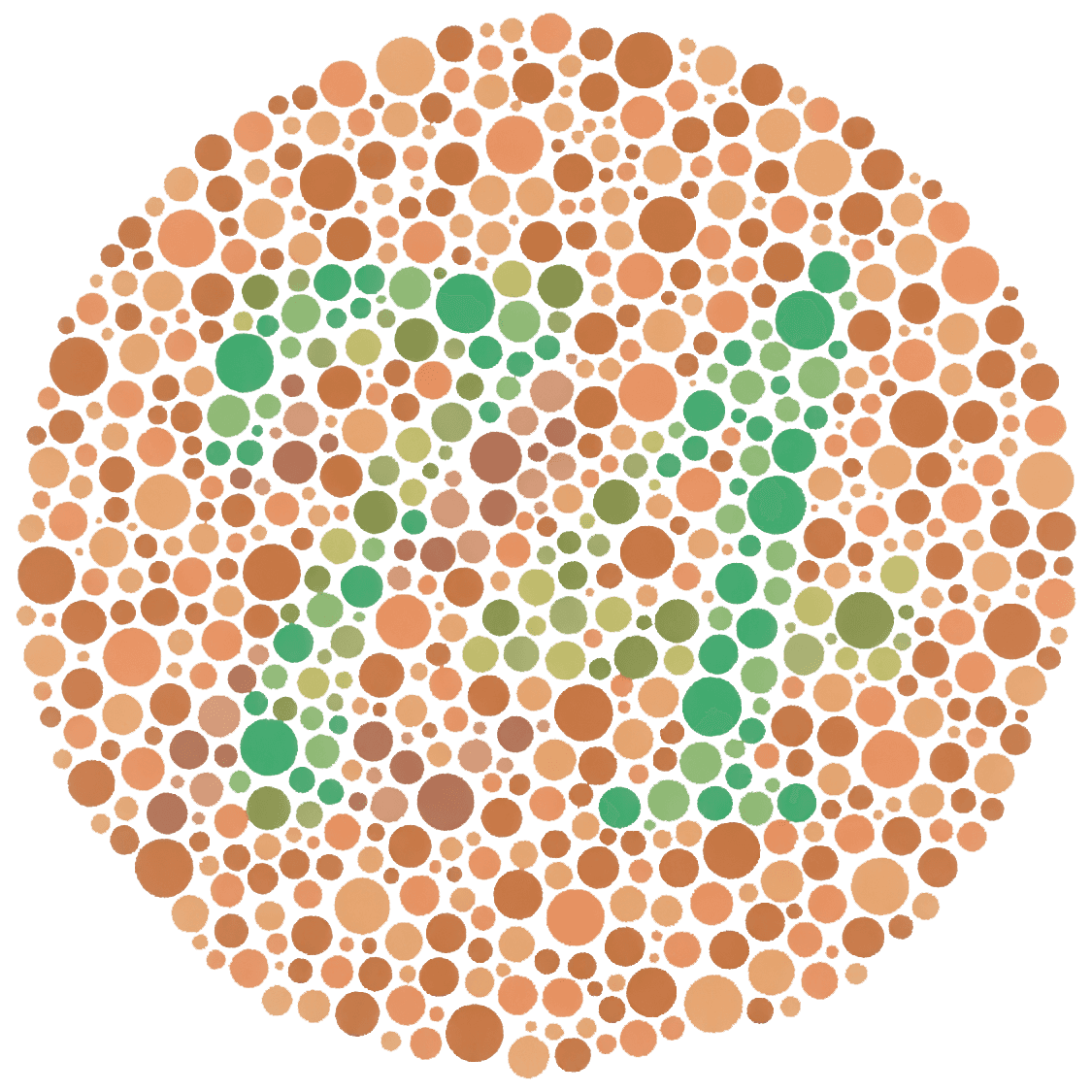
Ishihara test (aka color plate test): most common, asked to identify number hidden in the colored dots
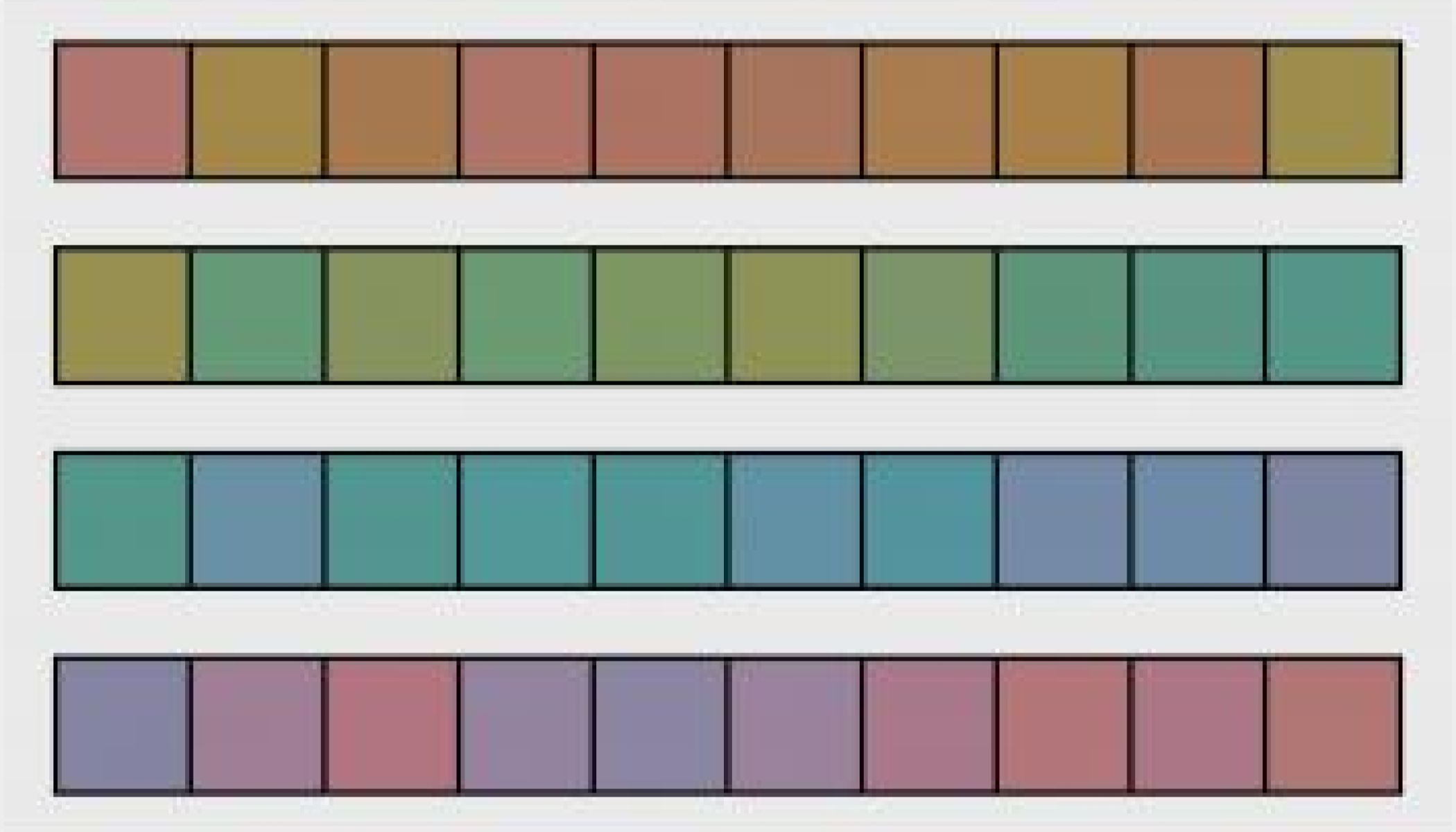
Farnsworth-Munsell test (aka hue test): asked to arrange hues from red to purple
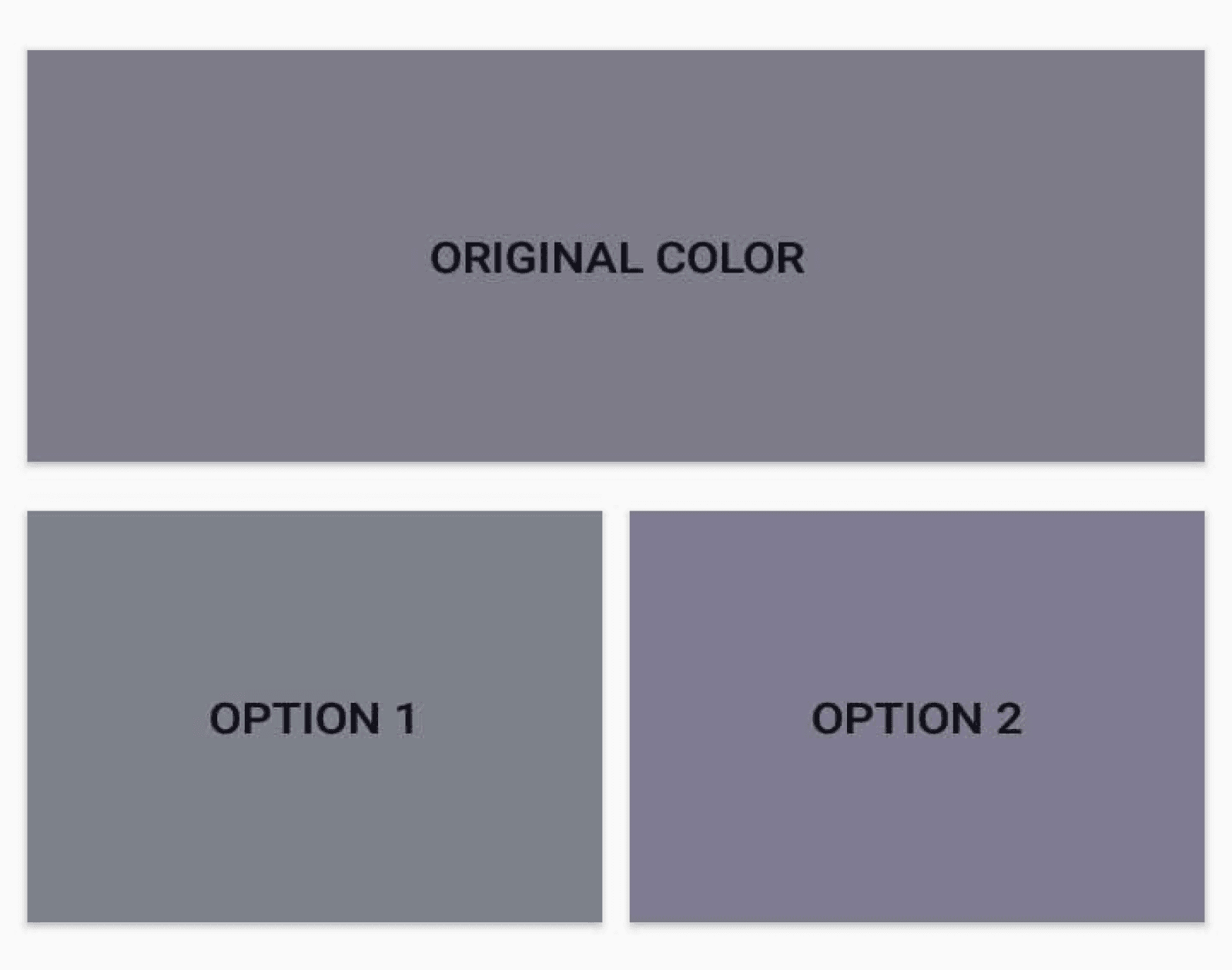
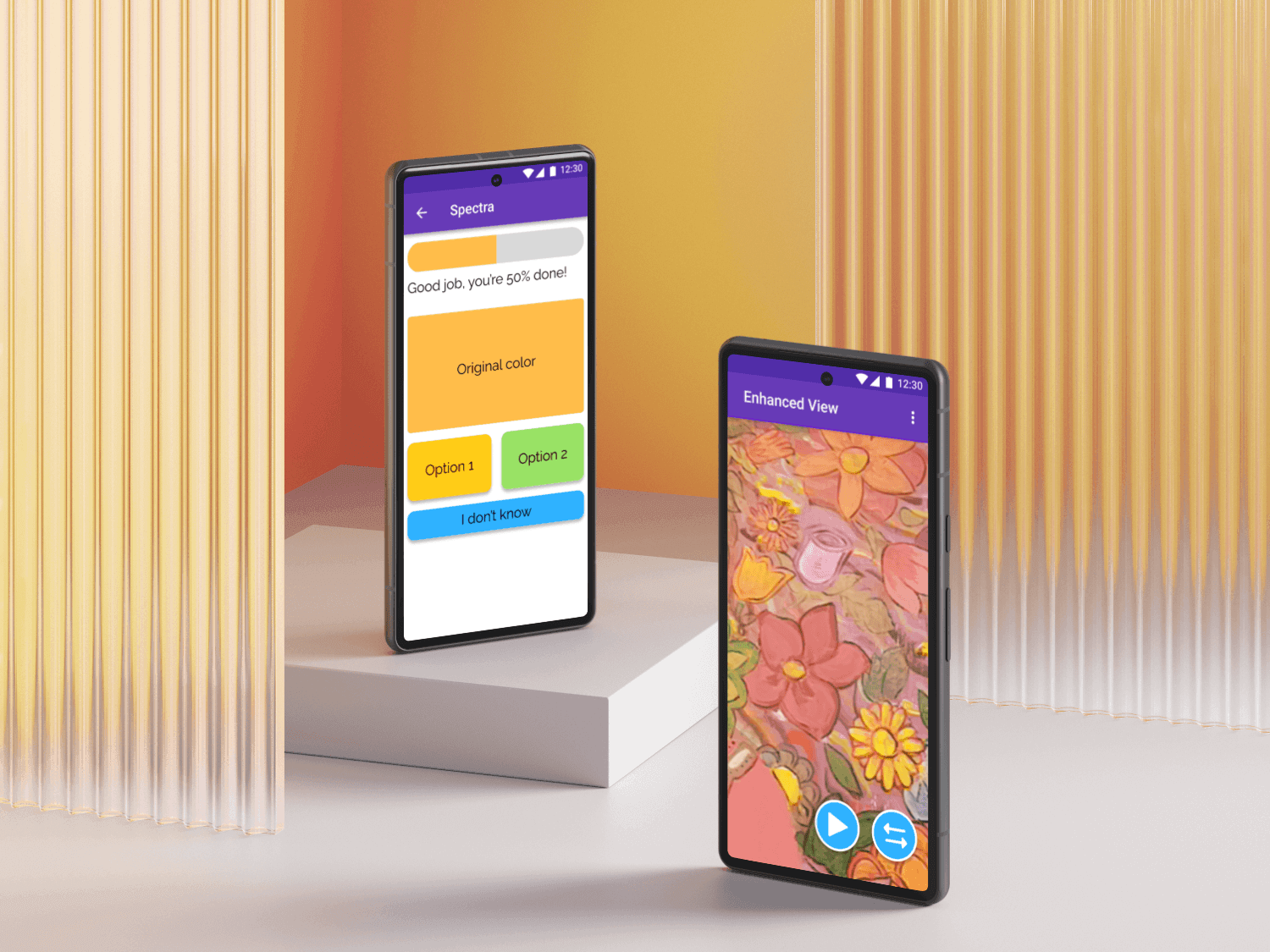
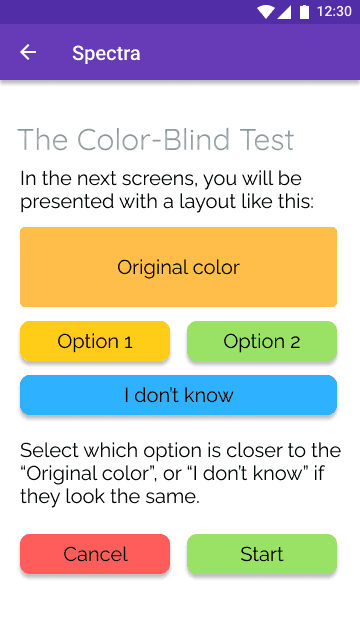
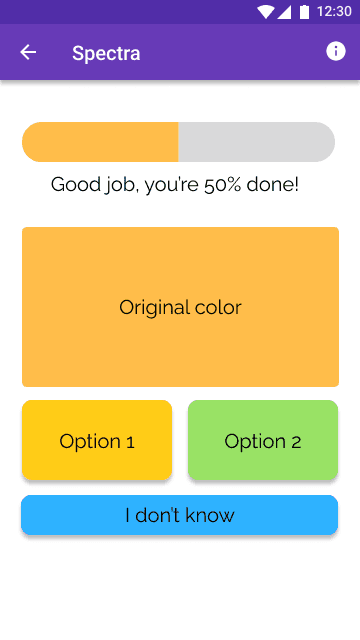
Inspired by the hue test, I had users repeatedly match hues to an original shade and then calculated severity.
Having two options reduced the cognitive overload and made it easier for selection
Severity calculation was adjusted upon each round, accounting for where folks struggled in identification
I received a go from the doctors of optometry, so this structure made its way to the final app
Initial Version of the Filters
Filtering required a complex algorithm that enhanced the colors that a person was weak in and dulled the other colors
I started by creating the algorithm on static images, ensuring that the filtering itself made sense before moving on to dynamic real-time adjustments
As with the novel color blindness test, I tested this on color-blind and non color-blind folks alike
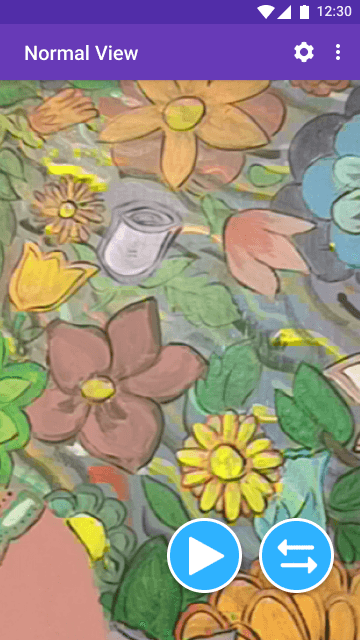
Codes are structured to be simple to remember, taking the form of [T,D,P] [0-100] where the letter indicates one’s type of color blindness and the number indicates one’s severity.
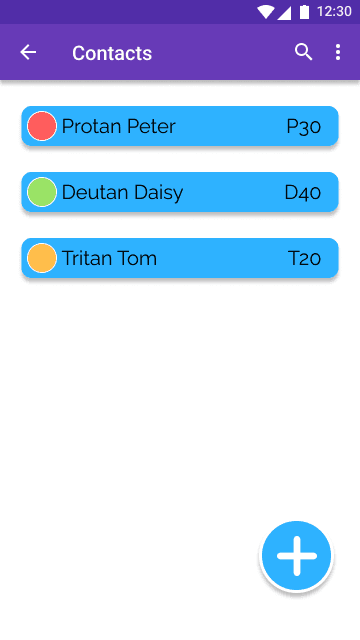
Non color-blind users can select from 3 pre-installed contacts (shown to the right), or add their own contact by supplying a name and the code. When using the camera filter feature, these users can see how the selected contact sees the environment.
My Learnings
1.
Iterating in small modules
In order to create the full functionality, I had to break down the project into small modules and test each stage. For example, with the filters I started with unit tests applying an algorithm on static images and once I refined the algorithm I then moved to dynamic image processing.
2.
Understanding the eye
Creating an application designed to help color-blind individuals required diving deep into how the eye functions and how the cones are affected in folks that have color blindness. The insights I gained through my own research as well as consulting with the doctors of optometry pushed Spectra in new directions that ultimately led to its success.
3.
Using Android Studio
Android Studio is not a beginner friendly developer tool, which made it difficult to learn as a first-time user. It was also quite different than Java, which I had lots of experience in, so I spent countless hours parsing through documentation and applying the concepts in small modules.